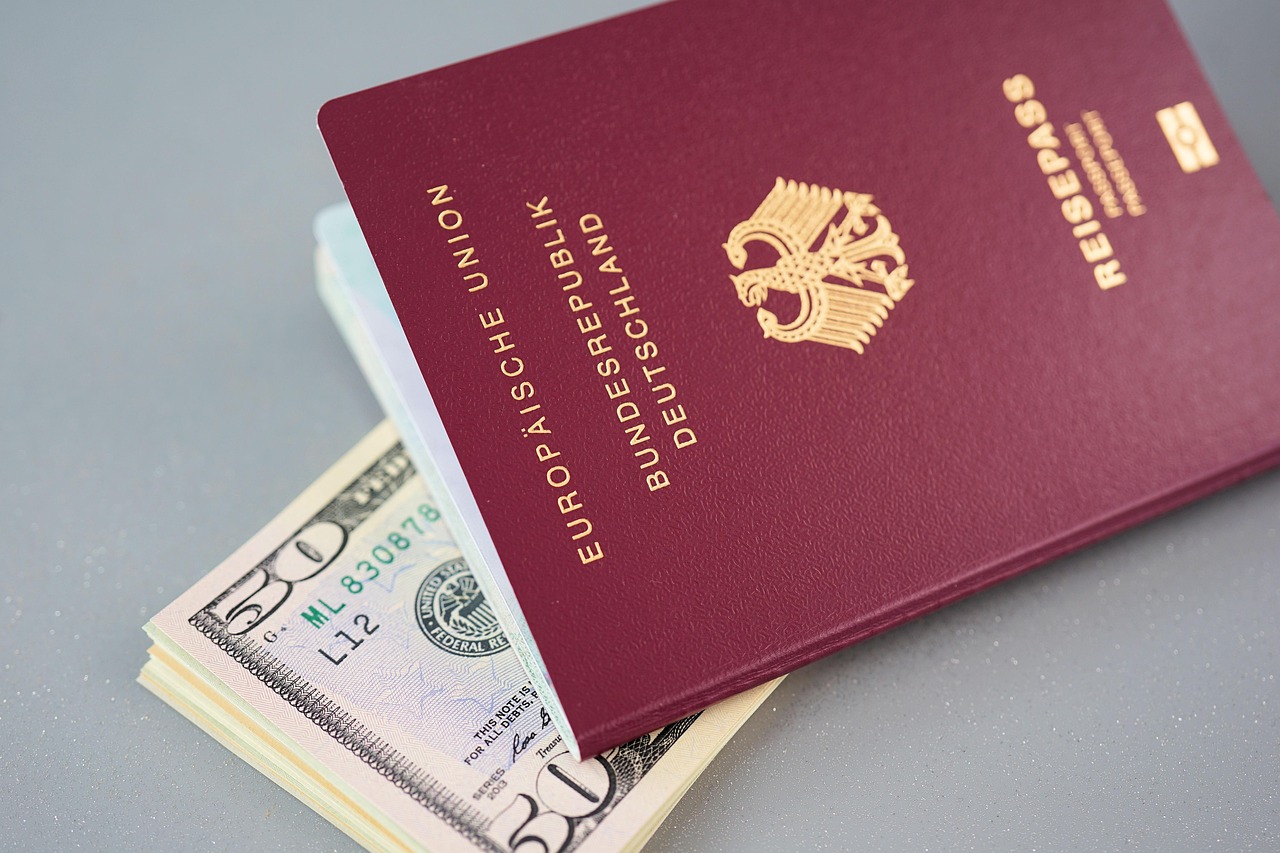
The short answer: open your passport to the photo page, find the field labelled “Code”, “Issuing country”, “Authority” or “Country code”, and select that exact value in the dropdown. Do not work it out from the name of your country — Germany is listed as D, not DEU, and the United Kingdom has six separate entries. And being in the list means nothing about eligibility: it holds all 214 passport-issuing authorities in the world, including countries whose citizens need a visa rather than an eTA.
Getting this wrong has the same consequence as a wrong passport number — you may only find out at the airport. If that has already happened, see a Canada eTA with the wrong passport number. For the rest of the form, see our field-by-field guide to the Canada eTA application.
Below is the detail: where the code lives on your own document, which countries have several entries, and why the list is longer than the eTA programme.
The field, as the form words it
The label reads:
Select the code that matches the one on your passport. (required) Find this code on your passport information page - see the field named “Code”, “Issuing country”, “Authority” or “Country code”.
Then the list opens, and it is enormous. This page explains what is actually in it, where to find your code on your own passport, and the two assumptions about this dropdown that are wrong.
Where the code is on your passport
Open your passport to the information page — the page with your photo. Somewhere on it there is a short field, usually two or three characters, labelled one of:
- Code
- Issuing country
- Authority
- Country code
That is the value you need. It is printed on the page, so you do not have to work it out from the name of your country. If you are unsure you are reading the right field, the two lines of machine-readable text at the very bottom of the photo page also start with the document type and then the issuing code — for a passport, something like P<XXX, where XXX is the code.
Do not translate the country name yourself and then hunt for the matching three letters. Read the code off the page and find that exact code in the list.
Germany is D, not DEU
This is the single most common failure. The list does not use clean three-letter ISO codes for everything.
Germany appears as D (Germany, Federal Republic Of) — one letter. People scroll to where DEU should be, find nothing, and either give up or select something near it.
There are other entries that are not what you would predict:
EUE— European Union.UNAandUNO— United Nations documents.UNOfor a UN or official laissez-passer,UNAfor a UN specialized agency.
China appears three times, the United Kingdom six
Some countries have several entries because the passport itself distinguishes between classes of holder. Picking the wrong one is picking the wrong country as far as the system is concerned.
China — three entries:
- China
- China (Hong Kong SAR)
- China (Macao SAR)
The United Kingdom — six entries, one per nationality class:
| Code | Nationality class |
|---|---|
| GBR | British citizen |
| GBD | British overseas territories citizen |
| GBN | British National (Overseas) |
| GBO | British overseas citizen |
| GBP | British protected person |
| GBS | British subject |
If you hold a British passport, the front of the passport and the code field on your information page tell you which of the six you are. They are not interchangeable, and five of the six are not the one most people assume.
There are also entries for territories and authorities that issue their own travel documents: ANG (Anguilla), RKS (Kosovo), PSE (Palestinian Authority), TWN (Taiwan).
IRCC’s own instruction page puts it plainly: “Be careful when you select the code from the list in the application form. Some countries have multiple options and some codes are very similar.”
Being in the list does not mean you qualify
This is the second wrong assumption, and it is the more expensive one.
The dropdown contains 214 entries — the entire world. It includes countries whose citizens need a visitor visa rather than an eTA, and countries under sanctions. AFG, CUB, IRN, PRK, RUS, SOM, SYR are all in there, alongside every visa-exempt country.
The list is not filtered by eligibility. It is simply a list of passport-issuing authorities, and the form will happily let you continue, pay the $7, and submit. Finding your country in this dropdown tells you nothing about whether you are eligible for an eTA.
Eligibility is decided separately, by your citizenship and your situation, and the check happens after you apply — not in this field. If your country is not visa-exempt, you need a visitor visa, and paying for an eTA will not produce one.
Two related cases worth knowing:
- As of May 26, 2026, some citizens of Indonesia and Malaysia who meet certain requirements became eligible to apply for an eTA instead of a visitor visa for air travel to Canada. If you already hold a valid visitor visa, you can keep using it until it expires.
- Since April 26, 2022, lawful permanent residents of the United States are exempt from the eTA requirement entirely.
Nationality is a separate question
Immediately after the code field, the form asks:
What is the nationality noted on this passport? (required) See “Nationality” on your passport information page
These are two different questions and they do not always give the same answer. The code is the authority that issued the document. The nationality is what that document says you are. On the same information page there is a field labelled “Nationality” — copy that, do not repeat your answer from the code field out of habit.
Later in the form, on the personal details screen, there is a third and separate place for additional nationalities, where you list other countries you are a citizen of. That is where a second citizenship goes — not in either of these two fields.
What happens if you pick the wrong code
IRCC states the consequence on its own instructions page, and it is worth quoting in full because it is not what most people expect:
If you enter the wrong passport number OR country code, you may not be able to board your flight to Canada.
- You may only find out at the airport if you made a mistake.
- You’ll have to reapply for an eTA at the airport.
- Depending on your situation, it may not be possible to get an eTA at the last minute.
An eTA is an electronic record tied to a passport. If the record was created against a different issuing authority than the one in the passport being scanned, the airline’s check finds nothing. There is no correction procedure and the $7 is not refunded — the fix is to apply again with the right values and pay again.
So before you click Next on this screen, look at the code field on your passport one more time and confirm that what you selected in the dropdown matches it character for character.
The short version
- The code is printed on your passport information page, under “Code”, “Issuing country”, “Authority” or “Country code”. Read it; do not deduce it.
- Germany is
D. Not DEU. - If your country has more than one entry — China, the UK, and several others — the passport itself tells you which one.
- The list holds all 214 world entries and does not filter by eligibility. Your country being there is not an answer to whether you need an eTA or a visa.
- Code and nationality are different questions. Both are printed on the same page.
Every other field on this form is walked through, in order and with IRCC’s own wording, in our field-by-field guide to the Canada eTA application form. If you have already submitted with the wrong values, see what to do about a Canada eTA with the wrong passport number.